Reducing Clinical Documentation Burden with Microsoft Dragon Copilot
Clinical documentation should support patient care, not pull clinicians away from it. Yet notes often continue after the visit ends, adding work to an already full day and taking attention away from the next patient. We believe the practical goal is to reduce avoidable documentation effort while keeping the clinician responsible for the final record.
Better documentation workflows do not come from adding technology alone. They start by looking closely at where time is spent, from capturing the encounter to reviewing a note and completing documentation in the EHR. Microsoft Dragon Copilot for healthcare can support that work when it is introduced with clear expectations, thoughtful planning, and clinician-led review.
Map Documentation Work Before Adding AI
Before changing a workflow, we recommend mapping what happens today. Documentation is not the same in every department or visit type. An outpatient follow-up visit may have a different flow than hospital rounding, an emergency department encounter, or a detailed specialty consultation.
Looking at the work by role, setting, specialty, and encounter type helps your team spot the moments that create the most friction. A process that feels smooth for one group may create extra steps for another. Rather than asking every clinician to create a personal workaround, you can build a more consistent process around the work they actually do.
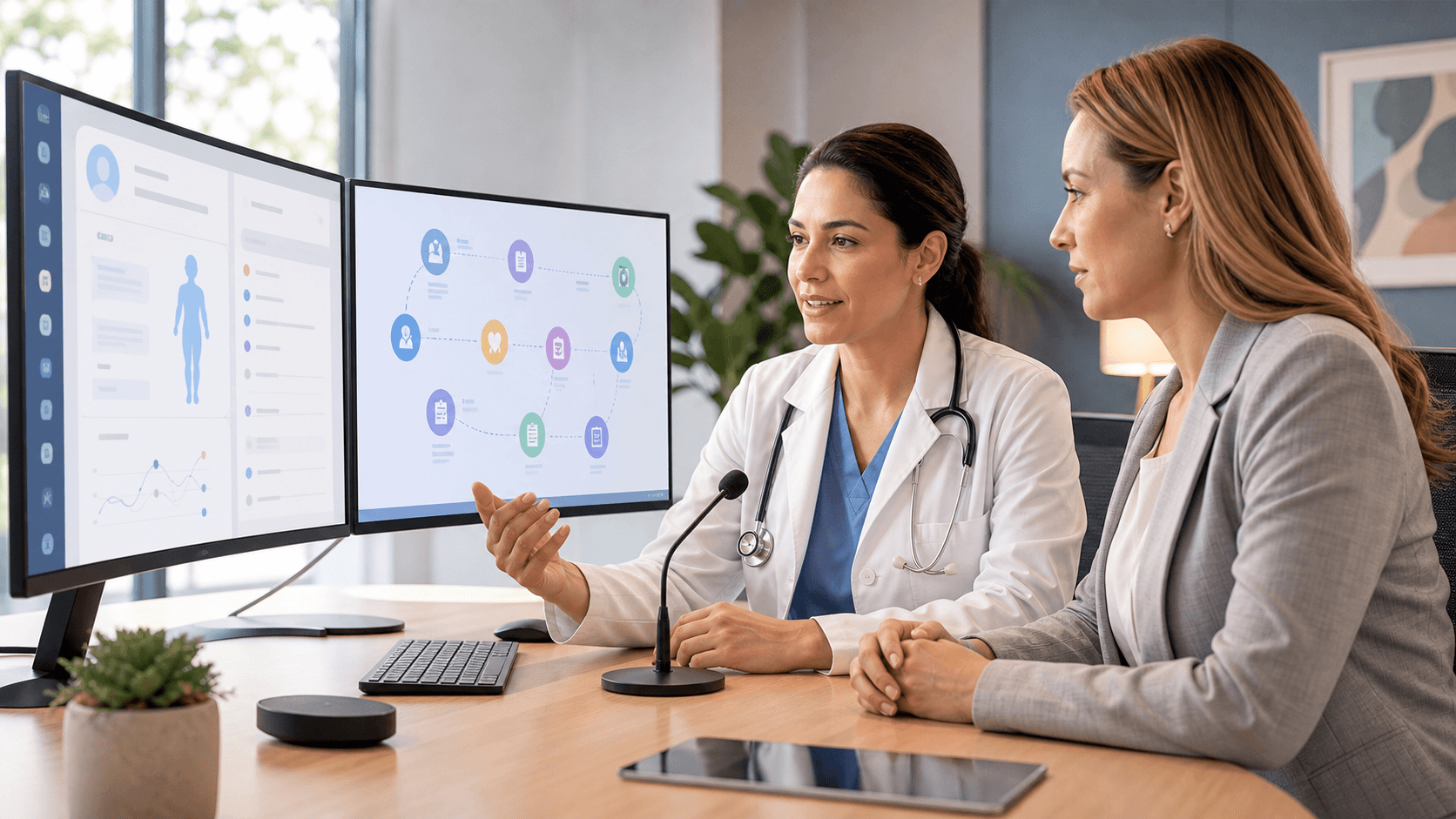
During planning, organizations can consider the full path from patient interaction to completed record. That consideration can include:
- Capturing patient conversations and clinical observations
- Creating the initial note or documentation draft
- Reviewing generated content and making corrections
- Reconciling details in the EHR
- Finalizing and signing the record
The purpose is not to remove clinical judgment. Clinical judgment remains at the center of the documentation process. Instead, the focus is on reducing repetitive manual tasks that surround it, such as retyping details or rebuilding a note from memory after the encounter.
Microsoft Dragon Copilot for healthcare can fit into this kind of structured improvement effort. By deciding which documentation activities are appropriate for voice-driven and AI-supported workflows, your organization can set shared expectations for review and sign-off from the beginning.
Bring Documentation Support Into Daily Work
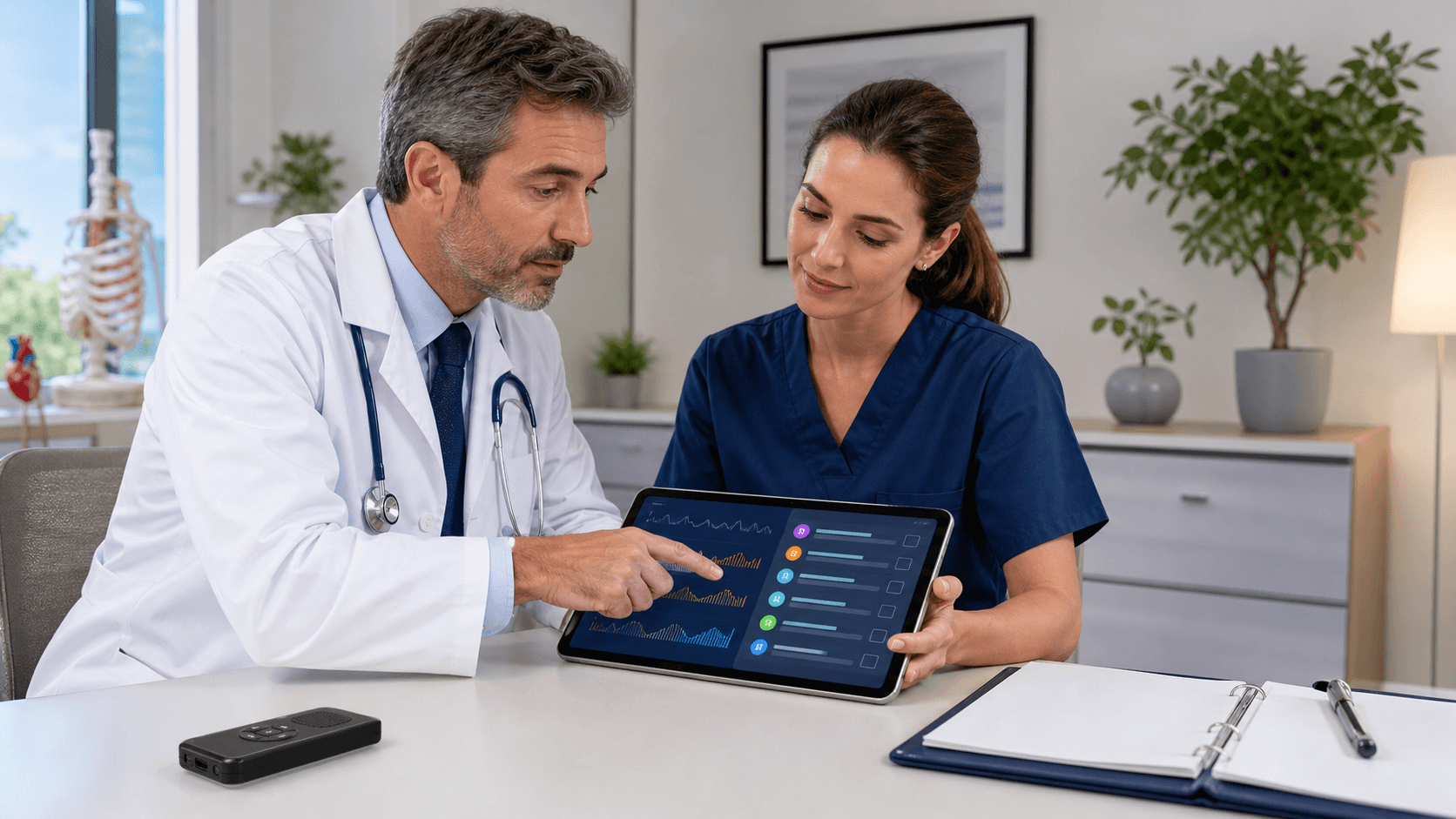
At the point of care, Microsoft Dragon Copilot can help clinicians capture clinical details through voice and AI-supported documentation workflows. The platform can help create a usable starting point for documentation, while the clinician remains responsible for reviewing the content before it becomes part of the patient record.
That distinction matters. Documentation support is not a substitute for the person providing care. It is a way to reduce the effort involved in turning clinical details into a complete note, especially when those details are fresh and easier to verify.
For daily use, we recommend focusing on practical moments where documentation work can pile up. Teams may use Microsoft Dragon Copilot for healthcare to support activities such as:
- Capturing details soon after an encounter
- Creating a starting point for a note
- Reviewing and refining documentation before sign-off
- Reducing repeated typing across documentation steps
Clear use expectations help make these workflows easier to adopt. Clinicians should know when the platform fits into their routine, which information needs careful verification, how edits should be handled, and when the final note must be complete. This keeps documentation support connected to your established clinical documentation policies instead of becoming another disconnected task.
Build Review and Escalation Into the Process
A reliable workflow keeps the clinician in charge. AI-supported content may reduce the time needed to create a draft, but every clinician still needs to review the documentation for completeness, accuracy, clinical relevance, and alignment with organizational requirements before signing the record.
We also encourage health systems to define who owns each part of the operating process. When questions arise, users should not have to guess whether they need help from clinical leadership, informatics, IT, documentation specialists, or compliance stakeholders.
A clear operating model can assign responsibility for:
- Workflow configuration and process decisions
- User education and ongoing guidance
- Technical support and issue resolution
- Documentation policy questions and escalation paths
This structure is especially helpful when an unusual scenario appears or when a clinician is unsure how to handle a draft. It gives teams a path forward without slowing down care or leaving users to solve problems alone.
Rollout should also be treated as an ongoing process, not a one-time event. Feedback from clinicians and operational leaders can show where workflows are working well and where friction remains. October is a useful time to bring those lessons into year-end operational planning, training calendars, staffing conversations, and documentation priorities for the coming year.
Coordinate Documentation, Privacy, and Diversion Workflows
Documentation support is one part of a broader healthcare operations strategy. Microsoft Dragon Copilot addresses clinical documentation workflows. Haystack iS supports patient privacy monitoring, while DetectRx supports drug diversion monitoring. Each solution has a distinct purpose, and we do not treat them as interchangeable tools or assume they automatically share data.
Even when programs have separate goals, communication among the teams behind them can make operations more organized. Clinical leaders may be focused on documentation adoption. Privacy teams may be focused on patient-record access activity. Pharmacy and medication-diversion teams may be focused on controlled-substance monitoring.
Coordination does not mean creating extra work for frontline clinicians. It means aligning the areas that can benefit from shared planning, including internal communications, training timing, leadership ownership, and escalation procedures. When responsibilities are clear, each group can focus on its own work without creating unnecessary overlap.
Move Documentation Improvement Into Practice
Reducing documentation burden takes more than turning on a new platform. It calls for well-defined workflows, clinician review, clear ownership, and a willingness to keep refining the process as teams learn what works in real care settings.
As year-end planning begins, we recommend identifying the documentation pain points that take the most time and attention, then prioritizing the workflows where Microsoft Dragon Copilot for healthcare can provide meaningful support. A steady, clinician-led approach can help your teams create more consistent documentation habits while protecting the accountability and care behind every final note.
Bring Practical Support to Your Documentation Workflow
Clinical Compliance Solutions can help your organization take the next step with Microsoft Dragon Copilot for healthcare. Our team will discuss how its ambient and voice-enabled capabilities can fit into your existing documentation environment. Start a focused conversation about supporting clinicians with technology that keeps the final note in their hands.